

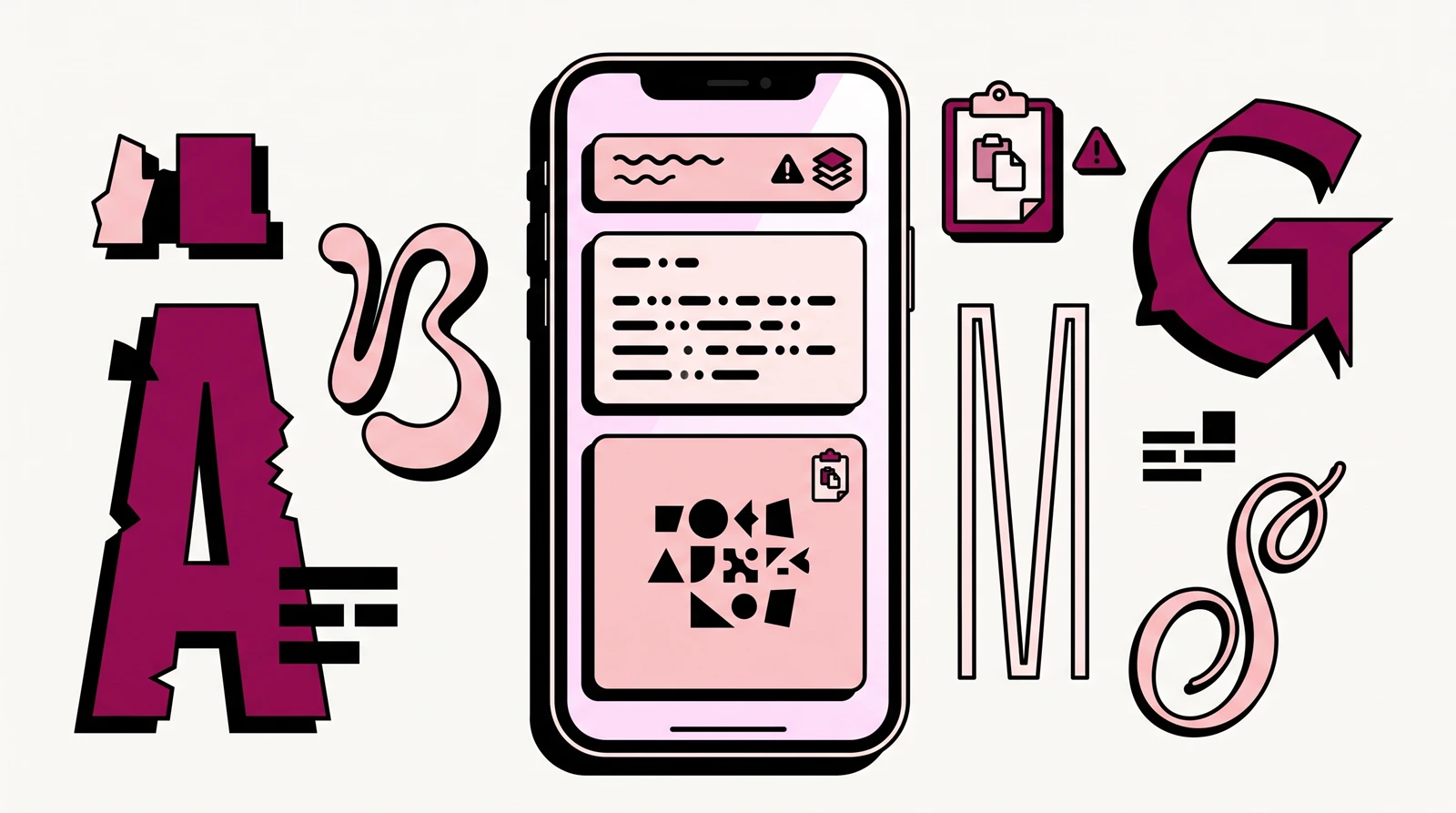
How to Change Your Instagram Font in 3 Steps (Copy & Paste Method)
- Generate your styled text. Type your word or phrase into a free, web-based Unicode text generator. For help choosing, see the font-style examples below.
- Copy the result. Select the styled version you like and copy it to your clipboard.
- Paste it into Instagram. Choose the intended Bio or Name field in your profile editor, or the caption field for a post or Reel, and paste. For the Name field, read the Display Name warning before saving. Check the text, then save the intended change.
Practical tip: When replacing styled text, remove the previous version before pasting to avoid duplicated characters or exceeding the field’s limit.
Where You Can Change Fonts on Instagram
| Surface | How styling works | Character limit | Important restriction |
|---|---|---|---|
| Bio [Supported] | Paste styled Unicode | 150 characters | — |
| Display Name [Supported] | Paste styled Unicode | Current limit unconfirmed | Change-frequency restrictions can apply — check current Name editor warning before saving |
| Username (@handle) [Not Supported] | Styled Unicode not supported | 30 characters | Letters, numbers, periods, underscores only |
| Captions (posts and Reels) [Supported] | Paste styled Unicode | Up to 2,200 characters (Meta publishing API documentation) | — |
| Stories & Reels on-screen text [Native Tool] | Built-in text tool | Not established here | Current native style availability and count not established here |
Styled Unicode can cause screen-reader difficulties. Any reduction in reliable search matching from styled keywords is an inference, not a confirmed Instagram effect; see search and screen readers.
Bio
Styled Unicode text works in your bio. The field holds up to 150 characters.
Combining-mark styles, such as underline or strikethrough, attach extra marks to a base letter. In Unicode, each base letter and attached mark has its own code point (a unique numerical identifier assigned by the standard). A base letter plus one combining mark uses two code points even though it looks like a single styled character on screen. How Instagram’s current bio counter treats those extra Unicode code points remains unconfirmed.
Display Name
Styled Unicode text also works in your profile’s Name field (Display Name).
Recommended editorial pattern: keep the name readers know you by and any important search keyword in plain text, with an optional decorative accent — for example, Jane Doe | NYC Stylist ✦. Because decorative edits still change the Name field, check the current in-app Name-change warning before saving them.
The exact current Display Name character limit is not confirmed in the public Meta documentation reviewed for this guide.
Username / @Handle
You cannot style your @username. Instagram’s handle field only accepts letters, numbers, periods, and underscores. Styled Unicode characters are not supported in usernames.
If you want to style the name displayed on your profile, use the Display Name field instead. Your Display Name is separate from your @handle.
Captions (Posts and Reels)
Styled Unicode text works in post and Reel captions, up to the 2,200-character limit documented in Meta’s publishing API. Keep important opening text concise and readable.
Stories & Reels: Native Text Tool
Stories and Reels have a built-in native text tool with its own styles, colors, backgrounds, and animations, separate from Unicode copy-paste styling. The exact current native style availability and count are not established here.
How Instagram “Fonts” Work
A real typeface changes how an app draws the same letter. In ordinary Instagram text fields, a font generator instead substitutes a different character from the Unicode standard—the universal system that assigns every digital character a unique identity. These lookalike characters resemble styled letters, but they do not apply a new font file. The native Stories and Reels text tool operates as a separate system.
Many bold, italic, script, and related lookalike characters come from Unicode Mathematical Alphanumeric Symbols originally designed to distinguish mathematical symbols. Font generators repurpose those characters as decorative text for social media.
If a device’s fonts lack a glyph—the specific visual drawing of a character—readers may see a blank box, an X-in-a-box, or a question mark. This placeholder is commonly called “tofu”; visual support depends on the character and the fonts installed on the reader’s device.
What to Check Before Using Styled Text
Display Name Change Limit
Testing styles by saving them on your profile can consume allowed Name changes. Before saving an experimental style, check the Display Name warning above.
Styled Text and Instagram Search
Direct test results for plain-text search matching against a Unicode-styled Display Name have not been established here. This is not a proven Unicode penalty or a claim about Instagram’s matching implementation. If being found for a keyword matters, keep it in plain text on your profile.
Styled Text and Screen Readers
Styled Unicode text does not read the same way to everyone. A screen reader is assistive software that reads or announces on-screen text aloud for people who are blind, have low vision, or rely on speech output.
These tests evaluated sample text in web browsers and social media platforms, not inside the Instagram mobile app. Output varies depending on the specific screen reader, software version, browser, operating system, and Unicode character style. These findings do not establish how every decorative style behaves across Instagram, but they highlight an important accessibility consideration: when a screen reader cannot interpret decorative characters as words, readers using assistive technology may miss the message or hear an awkward series of character descriptions.
For that reason, keep essential profile information—such as your name, business category, or important instructions—understandable in plain text.
Third-Party Keyboards and iOS Full Access
Tips for Readable Instagram Styling
The following are editorial recommendations for clarity and usability, not platform-enforced rules:
- Use styling only for a small, nonessential accent: limit decorative text to one or two nonessential words; keep the core message in plain text.
- Readable Display Name format: use the name readers know you by and an important plain-text keyword, with an optional decorative accent, as outlined in the Display Name section.
- Caption opening: if you include styled text, restrict it to a brief accent in the opening line and leave the main body in standard text.
- Hashtags and @mentions: Leave intended hashtag and @handle text unaltered by the generator so you do not change the tag or handle characters themselves.
A legible bio helps visitors understand who you are and what the profile is about. If you are developing your overall profile strategy, see our guide on how to make your Instagram account popular.
Instagram Font Styles: Examples and Readability
Each example spells “Hello.”
| Style family | Example | Guidance & Suggested use |
|---|---|---|
| Bold | 𝐇𝐞𝐥𝐥𝐨 | Close to plain text at a glance • Short headers, single-word emphasis |
| Italic | 𝐻𝑒𝑙𝑙𝑜 | Close to plain text at a glance • Light emphasis |
| Script / Cursive | 𝓗𝓮𝓵𝓵𝓸 | More stylized; slower to scan • Decorative accents |
| Fraktur / Gothic | ℌ𝔢𝔩𝔩𝔬 | Heavily stylized; harder to scan • Single decorative word, sparingly |
| Double-Struck | ℍ𝕖𝕝𝕝𝕠 | Outlined look; more scanning effort • Niche aesthetic accents |
| Small Caps | ʜᴇʟʟᴏ | Close to plain text at a glance • Short minimalist headers |
| Monospace | 𝙷𝚎𝚕𝚕𝚘 | Evenly spaced; easy to scan • Tech/indie aesthetic accents |
Readability notes are editorial guidance, not measured metrics. Device support and screen-reader behavior vary by character, style, and software; these examples don’t guarantee compatibility or accessibility.
Troubleshooting: Fixing Common Instagram Font Glitches
- Problem: “My bio won’t save.”
- Fix: Check that you’re within the 150-character limit. How Instagram’s current bio counter treats combining-mark styles remains unconfirmed — see Bio.
- Problem: “My text turned into boxes or question marks.”
- Fix: Replace the affected styled text with your original plain-text version. Missing glyph support can cause this — see How Instagram “Fonts” Work. If the affected field is your Display Name, check the Display Name warning before saving another Name change.
- Problem: “How do I reset my text back to normal?”
- Fix: Delete the styled text and retype it, or paste your original plain-text version. Pasting the styled text into a notes app won’t remove the styling: these are different Unicode characters, not rich-text formatting.
Frequently Asked Questions
Do I need to pay for Instagram fonts?
No. Free web-based Unicode generators can create styled copy-paste text without installing a keyboard app.
Can I get my account restricted for using custom fonts?
The available evidence does not confirm whether Instagram restricts standard accounts specifically for using styled Unicode text.
Why didn’t changing the font update my @handle?
Your @handle and Display Name are separate fields; the handle only accepts letters, numbers, periods, and underscores. You can use styled text in the Display Name, but check the Display Name warning before saving.
How do I get a cursive font in my Instagram bio?
Generate the text in cursive/script style using a web-based Unicode generator, copy it, and paste it into your bio field. Use styling only for a small, nonessential accent so your essential profile information remains easy to read in plain text.
Do font keyboard apps steal my data?
Not automatically, but on iOS, granting a third-party keyboard “Full Access” allows its developer to transmit text typed in non-secure fields. iOS switches to the system keyboard for secure password fields, so passwords entered there aren’t exposed through that keyboard. A web generator avoids a keyboard installation or Full Access grant; its own privacy practices are a separate question.